
 Click main image to view in full screen. Unlock all 15 preview images:
Plan On a Page Examples Editable MS PowerPoint Template – PowerPoint PPTX Template
PowerPoint (PPTX) 39 Slides


BENEFITS OF THIS DOWNLOADABLE POWERPOINT DOCUMENT
- Offers a portable alternative to MS Project for when both internal and external stakeholders don't have a license for that tool
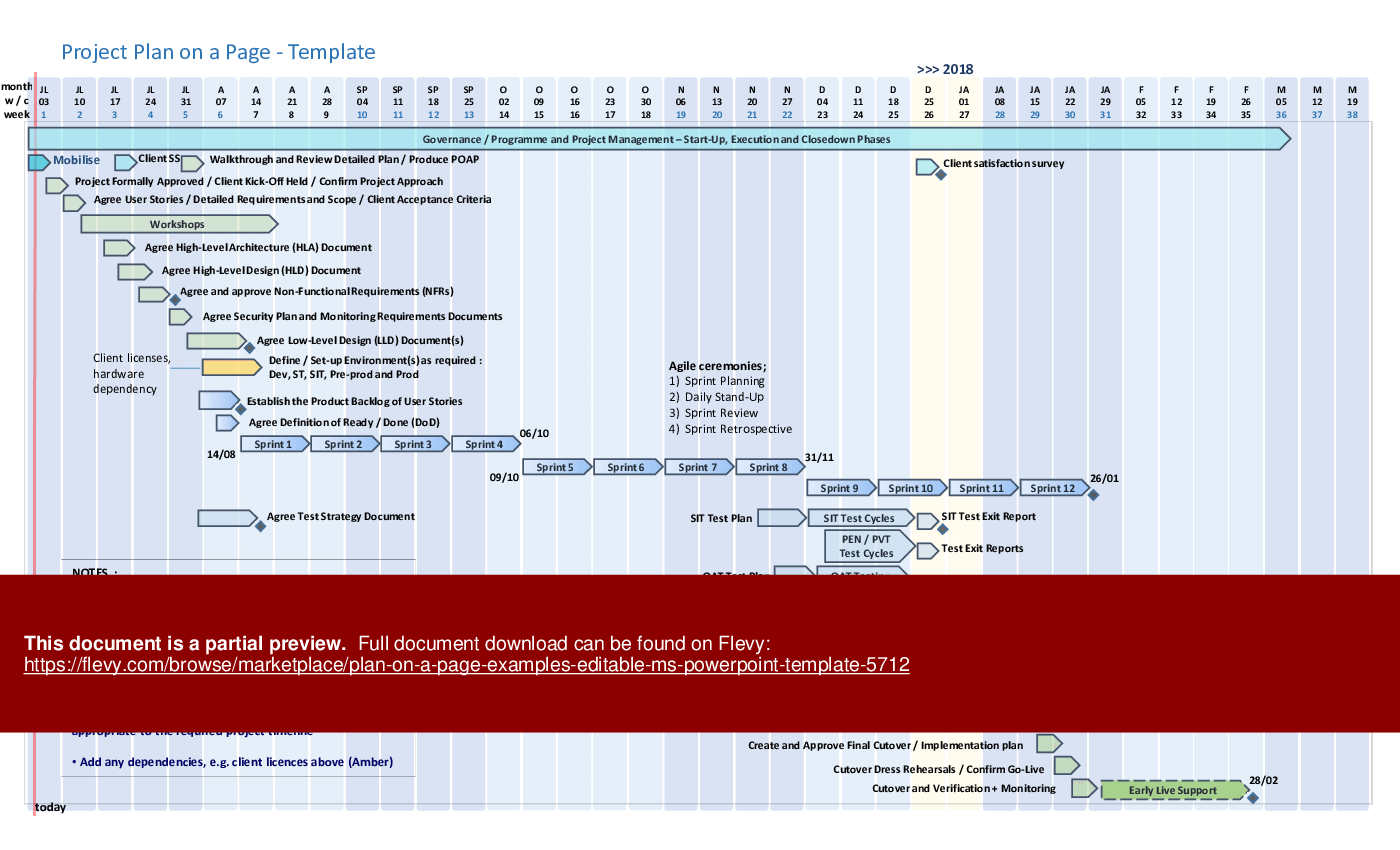
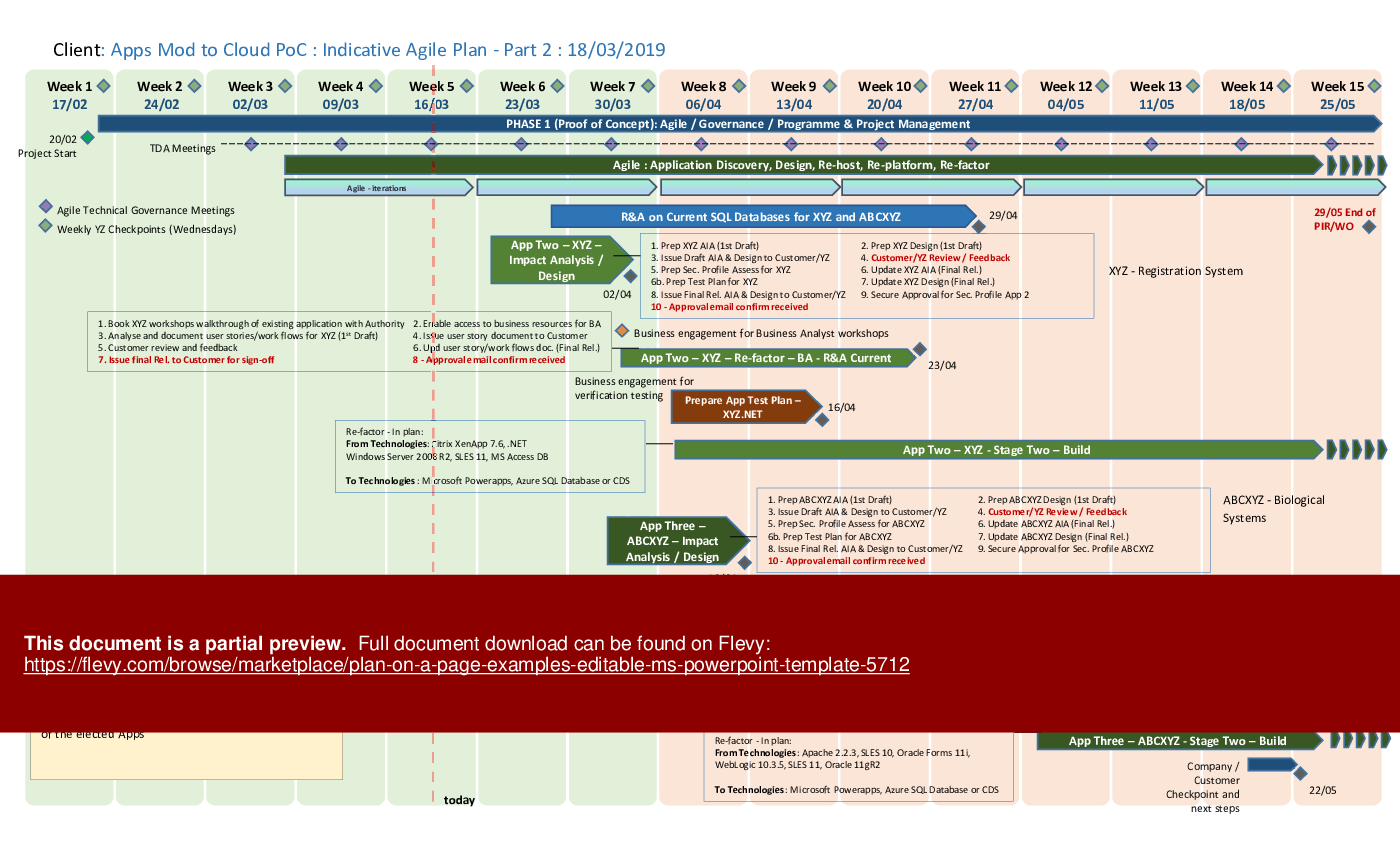
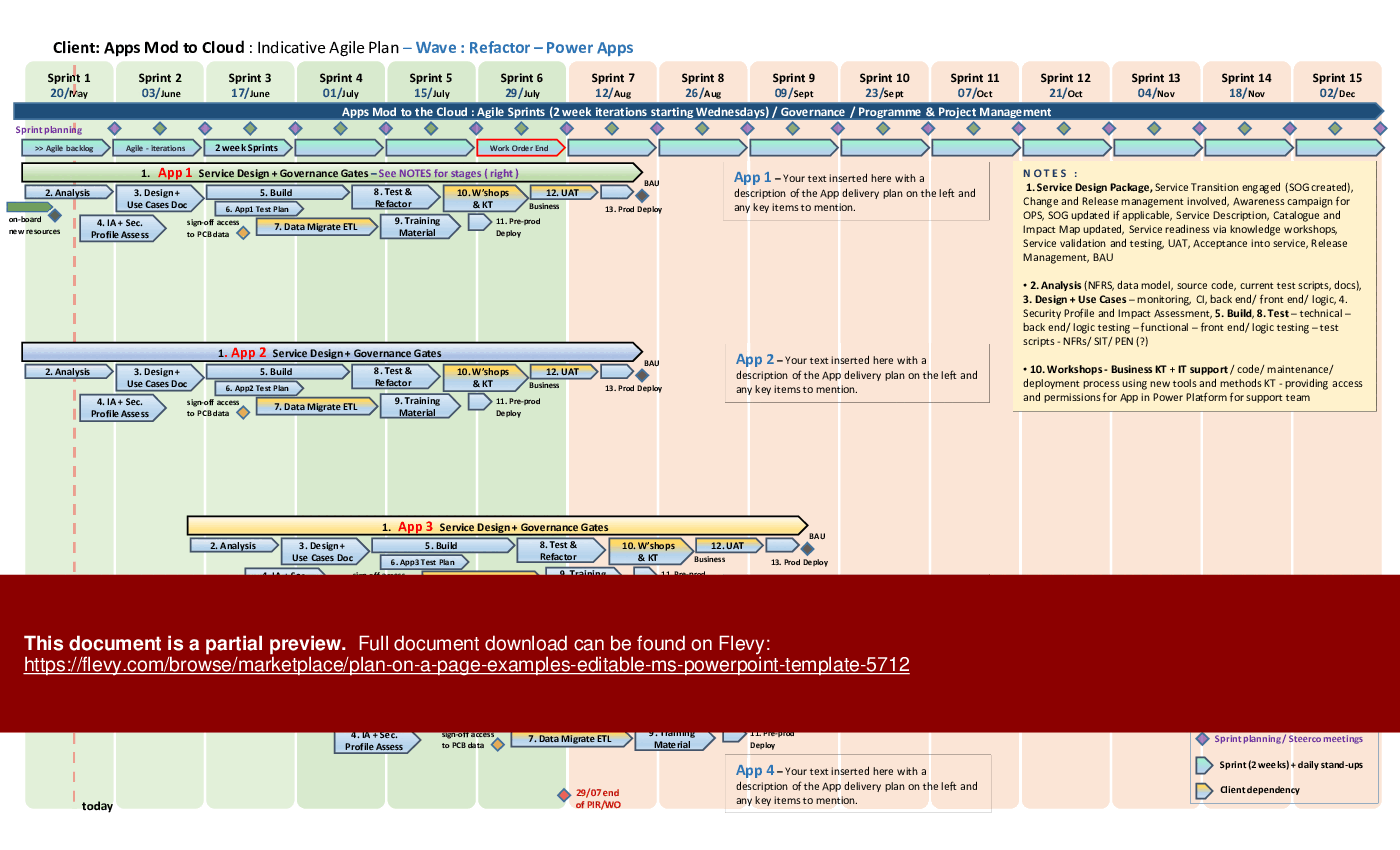
- Lots of examples provided to show views by Agile Scrum Sprint or just by Month, Week
- Is fully editable and tailorable to to provide a quick way of constructing a plan without starting from scratch
PROJECT MANAGEMENT PPT TEMPLATE DESCRIPTION
This PowerPoint template is both editable and easy to use and offers a very quick way to construct a Plan On a Page (POaP) for both internal and external stakeholders. 8 time out of 10 in my 20+ years as Project Manager, a Plan On a Page was the go to item for reporting on project status and updating clients on the position of a project.
This is useful for any type of meeting with either the team, senior management or clients and is useful to have as a desktop shortcut for quick and easy access.
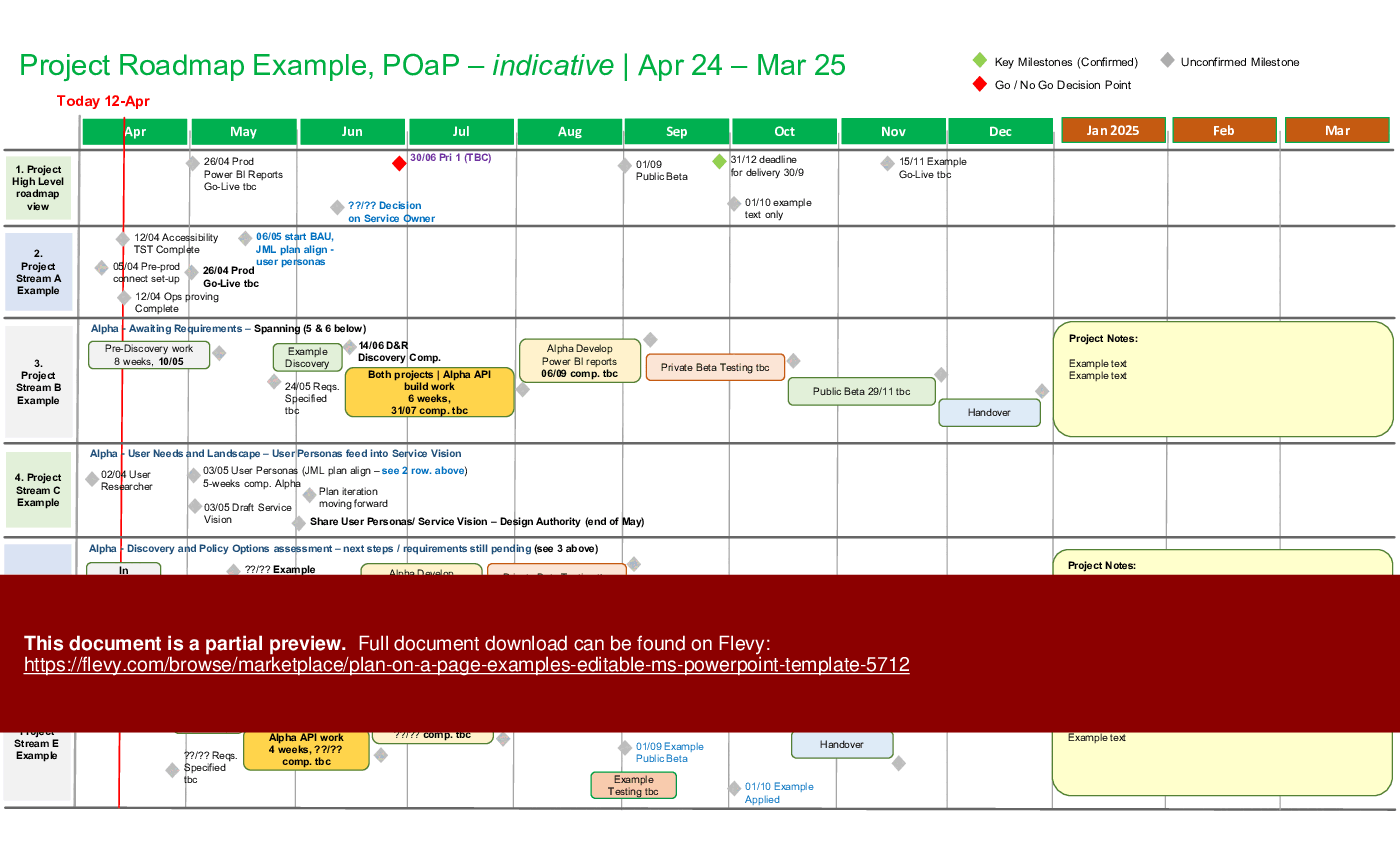
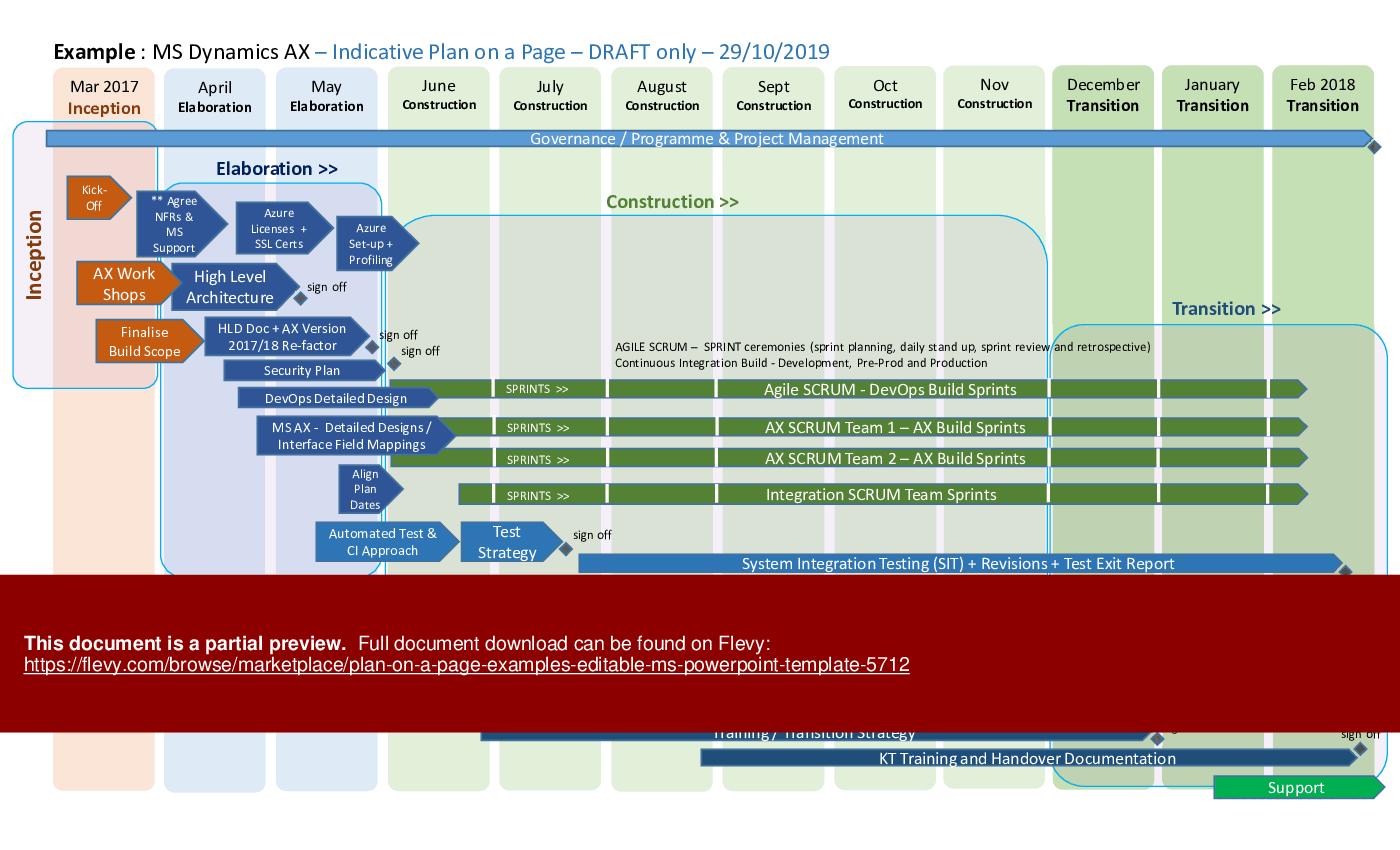
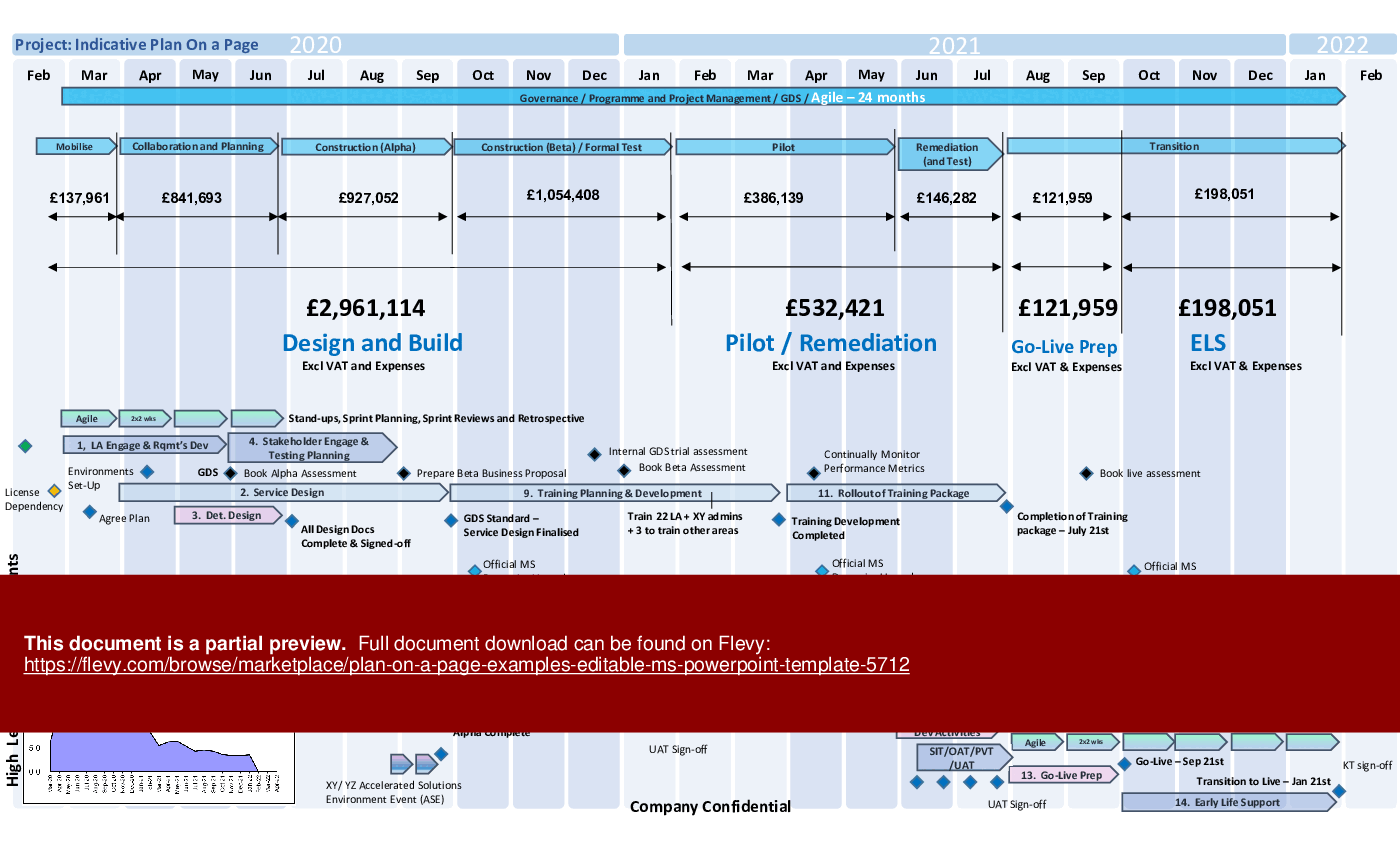
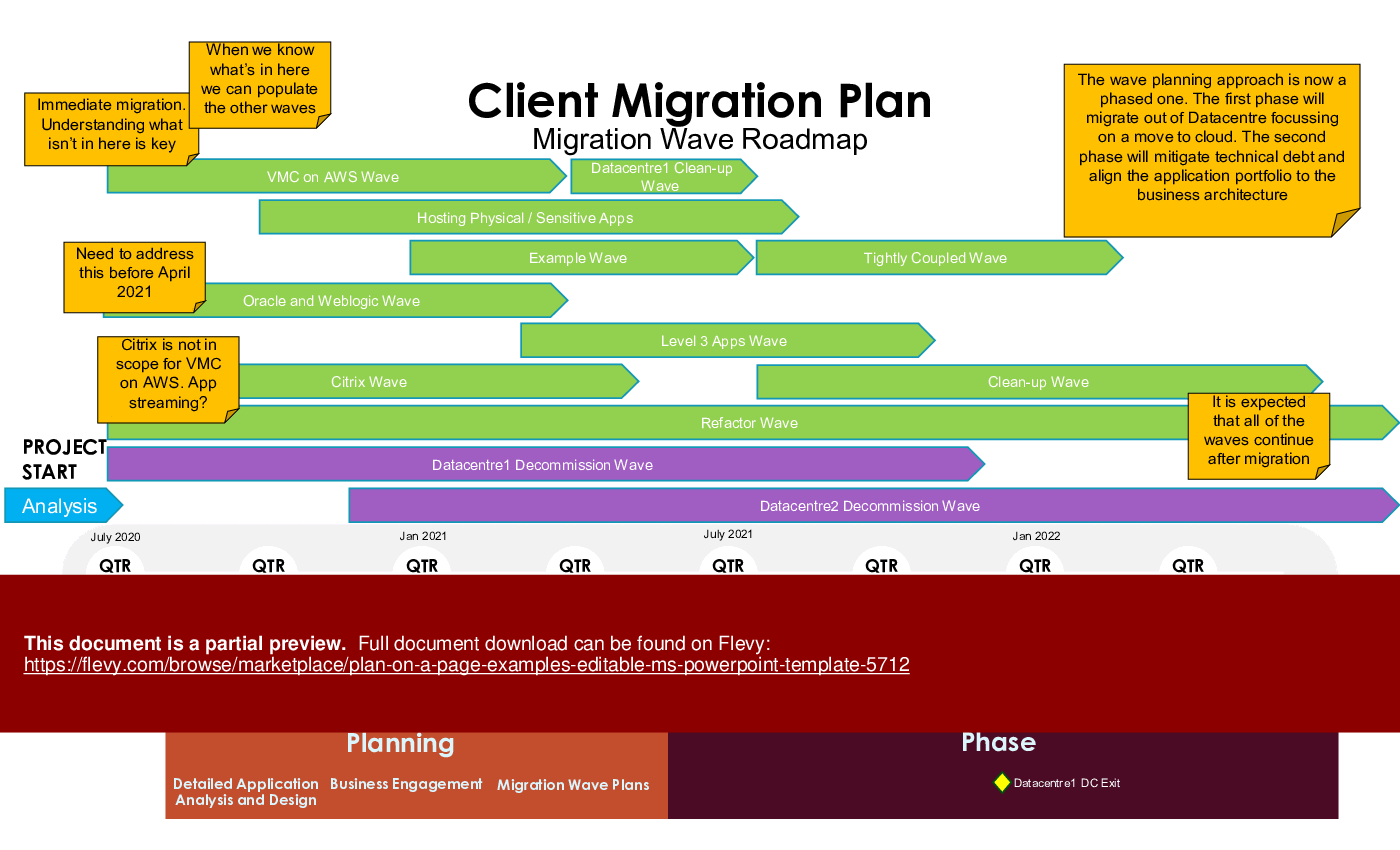
A number of examples are shown that can be tailored to suit your project, either as Agile, Agile Scrum or PRINCE2 waterfall projects. I have included examples which show how to make best use of on-screen real estate and provide a comprehensive view of the project by Month or Sprint.
You can even use a plan to show costings per phase (for bids or Statements of Work) as shown in one of the examples.
This template includes a variety of detailed examples to cater to different project management methodologies, such as Agile, Scrum, and PRINCE2. Each example is meticulously designed to maximize on-screen real estate, providing a comprehensive monthly or sprint-based view of the project. The visual clarity ensures that all stakeholders, from team members to senior executives, can quickly grasp the project's status and upcoming milestones.
The template also offers flexibility in showcasing project costings per phase, making it ideal for bids or Statements of Work. The examples include key milestones, dependencies, and critical paths, ensuring no detail is overlooked. This tool is indispensable for project managers who need to present a clear, concise, and visually appealing project overview to clients and internal teams alike.
Got a question about the product? Email us at support@flevy.com or ask the author directly by using the "Ask the Author a Question" form. If you cannot view the preview above this document description, go here to view the large preview instead.
TOPIC FAQ
What is a Plan On a Page and what elements should it show?
A Plan On a Page (POaP) is a single-slide project summary designed to convey schedule and status at a glance. Typical elements are key milestones, dependencies, the project’s critical path, and schedule granularity by month or sprint, with optional phase costings shown in a monthly or sprint-based view.How do I adapt a POaP for Agile versus PRINCE2 projects?
For Agile and Scrum use sprint-based timelines that emphasize short-cycle milestones and dependency sequencing; for PRINCE2/waterfall use month- or phase-based timelines that show phase gates and critical paths. Templates that include Agile, Scrum, and PRINCE2 examples can be tailored to either approach, such as the included Agile/Scrum/PRINCE2 examples.What’s an effective way to present costings on a POaP for bids or SOWs?
Present costings per phase alongside schedule elements so stakeholders see time and budget together; label phases, link phase cost totals to milestones, and keep figures compact. Example slides that combine schedule, milestones, and phase costings help communicate bid assumptions, such as a costings per phase example.How can I maximize on-screen real estate when building a POaP slide?
Prioritize high-value items (milestones, critical path, major dependencies) and use condensed month- or sprint-row layouts to pack information without clutter. Pre-built examples that demonstrate optimized layouts can speed design and ensure readability, for instance templates showing monthly or sprint-based layouts.What should I look for when choosing a POaP PowerPoint template for my projects?
Choose an editable PPTX with examples aligned to your methodology (Agile/Scrum or PRINCE2), clear milestone/dependency visuals, and options for phase costings and critical-path display. Check slide count and flexibility; the referenced template is an editable PPTX with 39 slides.Can a POaP be used for daily sprint stand-ups as well as executive reporting?
Yes. A sprint-based POaP can be used in team stand-ups to show immediate sprint milestones and dependencies, and the same concise layout can be repurposed for executive reporting to show status and upcoming critical-path items in a monthly or sprint-based view.Are pre-built POaP templates cost-effective compared to creating slides from scratch?
Many project managers reuse POaP formats because they save time on recurring reporting and ensure consistent stakeholder communication; the author notes POaPs were the go-to item in 8 out of 10 cases over 20+ years, indicating frequent practical use.What components should I include to show project critical path and dependencies on one page?
Include named key milestones, dependency lines or markers, and a timeline scale (months or sprints) so the critical path is visible in sequence. Example templates demonstrate these elements together, showing key milestones, dependencies, and critical path in a monthly or sprint-based view.Source: Best Practices in Project Management, Excel Project Plan PowerPoint Slides: Plan On a Page Examples Editable MS PowerPoint Template PowerPoint (PPTX) Presentation Slide Deck, i_Pro_PM_Templates
ABOUT THE AUTHOR

i_Pro_PM_Templates is an Flevy seller and an experienced Senior Project Manager, who has been working at ascending points in software development lifecycle projects for over 30 years.
The Flevy seller has impressive credentials in the delivery of highly complex projects in challenging conditions. The seller has held senior Project Management positions and helped to drive significant business
... [read more]
Ask the Author a Question
You must be logged in to contact the author.




























This document is available as part of the following discounted bundle(s):
Save %!
FREE upgrades, PRINCE2 & Agile Project Management Templates
This bundle contains 10 total documents. See all the documents to the right.
Save %!
Gantt Project Plans for PRINCE2, Waterfall & Agile, Editable
This bundle contains 7 total documents. See all the documents to the right.


